

Privacidad digital para mensajes íntimos comienza antes de enviar cualquier cosa: ponerse de acuerdo sobre lo que cada persona quiere recibir, ahorrar, captura de pantalla, o compartir; eliminar los datos de identificación que no desea incluir; y proteger las cuentas y dispositivos involucrados. Sin aplicación, configuración de mensaje desaparecido, o la solicitud de eliminación puede garantizar el control de una copia después de que llegue a otro dispositivo, entonces no enviar nada es siempre una opción válida.
Esta guía es para adultos.. Nunca crear, pedido, o compartir imágenes sexuales que involucren a cualquier persona menor 18.
La privacidad digital de los mensajes íntimos comienza con el acuerdo
La privacidad no es sólo una configuración técnica. También es un acuerdo entre personas.. Antes de enviar un mensaje privado, foto, o vídeo, preguntar si la otra persona quiere recibir ese tipo de contenido ahora. Un intercambio previo no crea un permiso permanente, y aceptar un texto no significa automáticamente aceptar una foto.
Haz que el rechazo sea fácil: “¿Quieres un mensaje privado?, ¿O deberíamos mantener esta conversación no íntima??” La pregunta debería dejar espacio para un sí., No, ahora no, o una opción más estrecha. Si comenzar un tema delicado le resulta difícil, el mismo enfoque de baja presión utilizado para iniciar una nueva conversación íntima sin presiones puede ayudar: pregunta primero, define lo que quieres decir, y mantenga cada paso siguiente opcional.
Hable también sobre los límites del remitente. Alguien puede sentirse cómodo enviando un mensaje sólo si no está guardado, copiado en otra aplicación, mostrado en una pantalla compartida, o mostrado a un amigo. Un destinatario puede decidir que esas condiciones no le funcionan., pero la respuesta entonces es no recibir el contenido.

Acordar cuatro permisos separados
Un solo “sí” puede esconder varias decisiones diferentes. Discutalos por separado para que ninguna persona tenga que adivinar..
- Recibir: ¿Qué tipo de contenido, si alguno, es bienvenido ahora mismo?
- Mantener: Que el destinatario lo guarde, y por cuanto tiempo?
- Copiar: son capturas de pantalla, descargas, copias de seguridad, o transferencias a otro dispositivo fuera de los límites?
- Compartir: Que alguien más lo vea? A menos que ambas personas acuerden claramente lo contrario., trata la respuesta como no.
Sea específico sobre los chats grupales, álbumes compartidos, duplicación de pantalla, y mostrar un dispositivo en persona. "Lo mantendré en privado" es menos útil que "No lo reenviaré", muéstralo, o guárdelo fuera de esta conversación”. Un acuerdo no puede imposibilitar la copia, pero puede hacer que el límite sea inconfundible.
Ejecute una verificación de privacidad de cinco minutos
Verifique el dispositivo y la aplicación actuales en lugar de depender de la memoria. Ajustes, dispositivos vinculados, y el comportamiento de la copia de seguridad puede cambiar.
- Confirmar el destinatario y la conversación.. Reduzca la velocidad antes de tocar enviar, especialmente cuando los nombres, fotos de perfil, o los chats de grupo adyacentes son similares.
- Asegure la cuenta. Utilice una contraseña única o una clave de acceso cuando esté disponible, activar la autenticación multifactor, y revisar sesiones activas o dispositivos vinculados.
- Actualiza el dispositivo y la aplicación.. Instalar actualizaciones de seguridad actuales, usar un bloqueo de dispositivo, y evite dejar un teléfono desbloqueado donde otros puedan explorarlo.
- Revisar copias y vistas previas. Consulta las bibliotecas de fotografías en la nube, copias de seguridad de mensajes, dispositivos compartidos, descargas automáticas, vistas previas de la pantalla de bloqueo, y notificaciones de escritorio.
- inspeccionar el archivo. Busque detalles de identificación en el marco y revise si la foto contiene información de ubicación..
Guía de CISA Secure Our World recomienda contraseñas seguras, un administrador de contraseñas, autenticación multifactor, y actualizaciones de software oportunas. Estos pasos reducen el riesgo de la cuenta.; no controlan lo que hace un destinatario autorizado con un mensaje.
Las fotos también pueden contener metadatos.. Guía de Apple sobre metadatos de ubicación de fotografías explica cómo se pueden incrustar las coordenadas de ubicación y cómo los usuarios de Apple pueden revisarlas o eliminarlas antes de compartirlas. Otros dispositivos y servicios utilizan controles diferentes, así que consulte las instrucciones actuales para la herramienta que realmente utiliza.
Reduzca los detalles de identificación antes de compartir
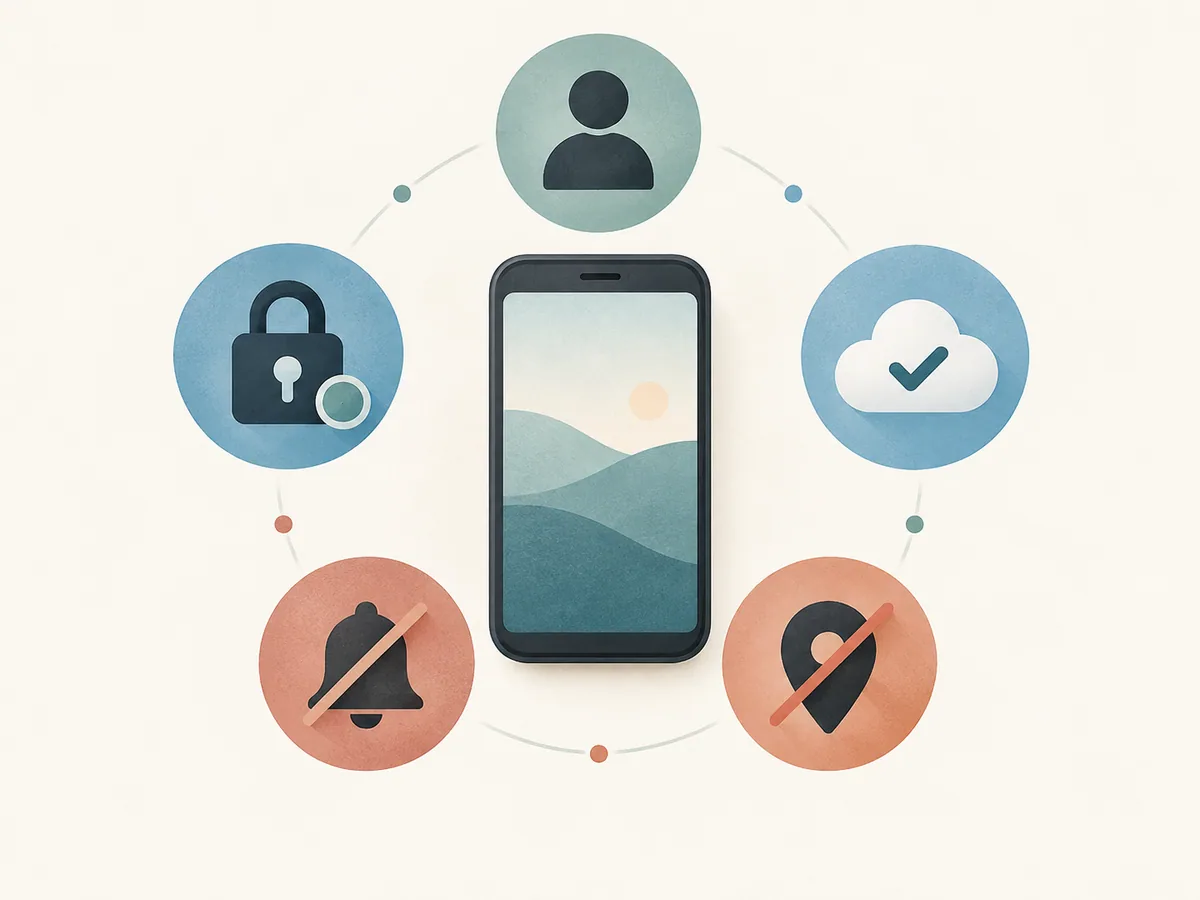
Eliminar una cara es sólo una opción de privacidad. una habitación, vista desde una ventana, insignia de trabajo, etiqueta de correo, pantalla de computadora, tatuaje, reflexión, pieza de joyería distintiva, o el nombre del archivo puede identificar a una persona o ubicación. Recortar puede ayudar, pero observe todo el encuadre y el fondo antes de decidir si el riesgo restante parece aceptable.
Utilice una copia nueva para cualquier edición para que el original no se seleccione accidentalmente más adelante.. Después de recortar, borrón, o eliminar metadatos, Vuelva a abrir el archivo final e inspecciónelo.. No asuma que una miniatura, álbum oculto, o la vista previa en la aplicación muestra todos los detalles que se enviarán.
Incluso sin datos de ubicación integrados, Los puntos de referencia y los detalles del fondo pueden revelar dónde se tomó una imagen.. La decisión más segura depende de las personas., el contenido, y las consecuencias que están dispuestos a aceptar. Si alguna de las personas se siente insegura, detenerse antes de enviar.
Decida cómo funcionará el almacenamiento y la eliminación
Acordar si el contenido permanece en la conversación., puede ser descargado, o debe eliminarse después de un tiempo específico. Compruebe si alguno de los dispositivos guarda automáticamente los archivos adjuntos en una biblioteca de fotos, sincroniza mensajes con una computadora o tableta, o incluirlos en copias de seguridad en la nube. Los dispositivos compartidos y las cuentas familiares merecen especial atención.
Los mensajes que desaparecen pueden reducir el tiempo que el contenido permanece visible en una conversación, pero no son una garantía. Un destinatario puede guardar un archivo, capturar la pantalla, usa otra cámara, o conservar una copia de seguridad. Asimismo, Es posible que eliminar un mensaje de una cuenta no elimine todas las copias descargadas o sincronizadas.. Guía para compartir en Google Fotos da un ejemplo específico de la plataforma: eliminar un elemento de un álbum o conversación compartido no lo elimina de la biblioteca de fotos de un usuario. Describir las herramientas de eliminación como límites a la retención, no como prueba de que el contenido ya no existe.
Los socios pueden tener diferentes niveles de comodidad sobre la retención. El mismo principio utilizado cuando trabajando a través de diferentes preferencias de intimidad se aplica aquí: Ninguna persona está obligada a aceptar el riesgo preferido de la otra.. Elija sólo un acuerdo que ambas personas acepten libremente., incluyendo la opción de no enviar nada.
El consentimiento continúa después de enviar un mensaje.
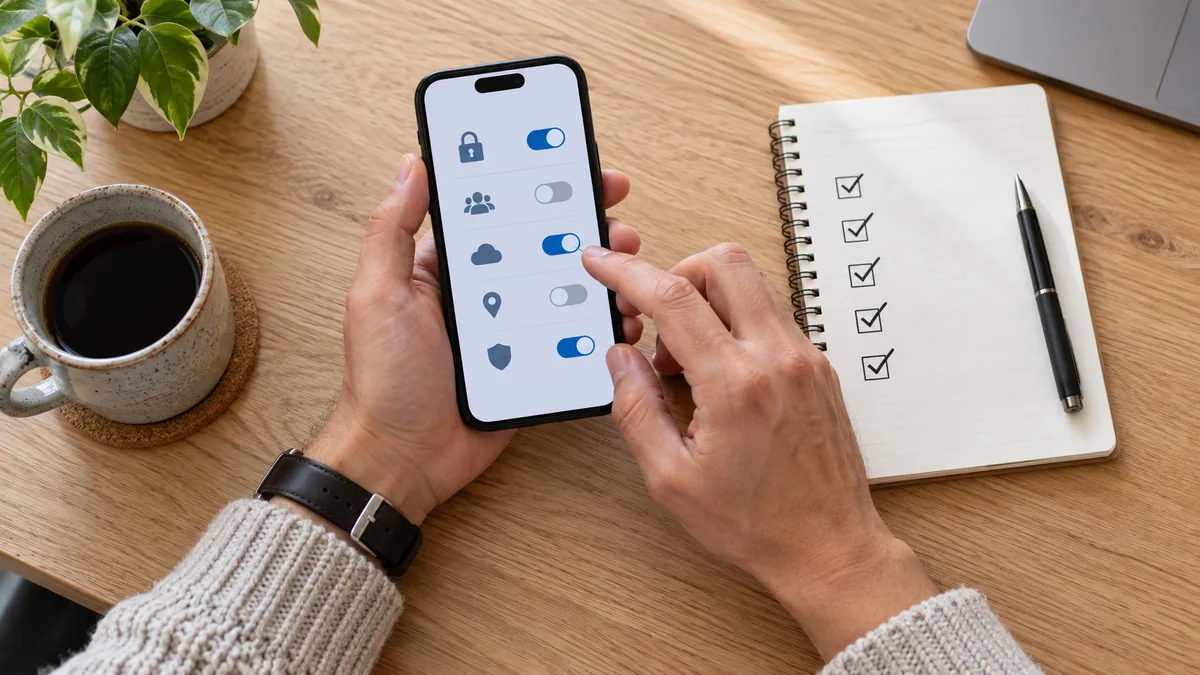
El permiso para recibir contenido no es permiso para mostrarlo., correo, comercio, amenazar con, o transformarlo. Permiso para una persona., una imagen, o una ocasión no se extiende a una audiencia diferente o intercambio futuro. Pregunte nuevamente en lugar de tratar el acceso anterior como propiedad.
Resumen de RAINN sobre el abuso sexual posibilitado por la tecnología describe imágenes íntimas no consentidas como fotografías o vídeos íntimos creados, compartido, o amenazado con ser compartido sin la autorización clara, consentimiento libremente otorgado por la persona representada. Eso hace que el ahorro, mostrando, reenvío, edición, y publicar opciones separadas, no derechos automáticos que llegan con el recibo.
Una solicitud para dejar de enviar, borrar una copia, o cambiar un límite merece una respuesta directa sin negociación. Si la interacción se vuelve presionante o la opción más segura es terminarla, el lenguaje en esta guía para cómo pausar una interacción íntima claramente se puede adaptar a la mensajería: "Detener. No estoy de acuerdo con esto. No envíes ni compartas nada más”.
Si una imagen es compartida o amenazada sin consentimiento
La responsabilidad pertenece a la persona que lo compartió o amenazó con compartirlo sin permiso, no a la persona representada.. El consentimiento previo para crear o enviar una imagen no es consentimiento para distribuirla.. si esto sucede, centrarse en la seguridad inmediata y la actualidad, Ayuda para situaciones específicas en lugar de tratar de manejar cada paso solo..
La guía actual de abuso basada en imágenes de la FTC explica formas de reportar contenido a una plataforma, limitar su propagación, responder al chantaje, y encontrar apoyo adicional. Siga las instrucciones actuales de la plataforma, considere documentar lo que sucedió si hacerlo es seguro, e involucrar a una persona de confianza o apoyo local apropiado cuando sea necesario. No envíes más contenido ni dinero porque alguien te está amenazando.
Una breve lista de verificación antes de enviar
- Todos los involucrados son adultos., y el destinatario quiere este contenido específico ahora.
- Has aceptado ahorrar, capturas de pantalla, copias de seguridad, supresión, y volver a compartir.
- El destinatario y la conversación son correctos..
- Las cuentas utilizan la configuración de seguridad actual, y los dispositivos vinculados son reconocidos.
- Vistas previas de notificaciones, descargas automáticas, dispositivos compartidos, y se han revisado las copias en la nube.
- El archivo final ha sido revisado en busca de caras., reflexiones, documentos, detalles de la habitación, y datos de ubicación.
- Acepta que los controles técnicos reducen el riesgo pero no puede garantizar el control después del envío.
- No enviar sigue siendo una opción cómoda.
Preguntas frecuentes
¿Son suficientes los mensajes que desaparecen para las fotos privadas??
No. Pueden acortar la retención visible en una aplicación en particular., pero no pueden evitar cada captura de pantalla., descargar, captura de segundo dispositivo, vista previa de notificación, o copia de seguridad. Revise lo que hace la característica específica hoy y mantenga su acuerdo de persona a persona separado del entorno..
¿Debería dejar mi cara afuera??
Omitir una cara puede eliminar un identificador, pero tatuajes, alojamiento, reflexiones, documentos, datos de ubicación, y otros detalles aún pueden identificar a alguien. Si ser reconocido te crearía consecuencias que no estás dispuesto a aceptar, no envies la imagen.
¿Puedo pedirle a alguien que borre un mensaje más tarde??
Sí. Pregunta claramente y nombra los lugares a los que te refieres., como la conversación, descargas, biblioteca de fotos, carpeta eliminada recientemente, dispositivos vinculados, y copias de seguridad. Una solicitud de eliminación comunica sus límites, pero ni la solicitud ni el botón de eliminación de una aplicación pueden probar que todas las copias han desaparecido.
¿Qué pasa si un socio dice que enviar demuestra confianza??
Nadie debe contenido íntimo como prueba de confianza., atracción, o compromiso. La confianza puede incluir aceptar un no sin castigo. Si la solicitud continúa después de rechazarla, Detenga el intercambio y busque ayuda si se siente inseguro..
El resultado final
Privacidad digital para mensajes íntimos es una combinación de consentimiento específico, elecciones cuidadosas de archivos, cuentas más seguras, almacenamiento revisado, y límites honestos. Aceptar antes de enviar, verifique el dispositivo y la aplicación reales, minimizar los detalles de identificación, y nunca trate una característica de privacidad como una garantía. El mensaje más privado es el que decides no enviar.